
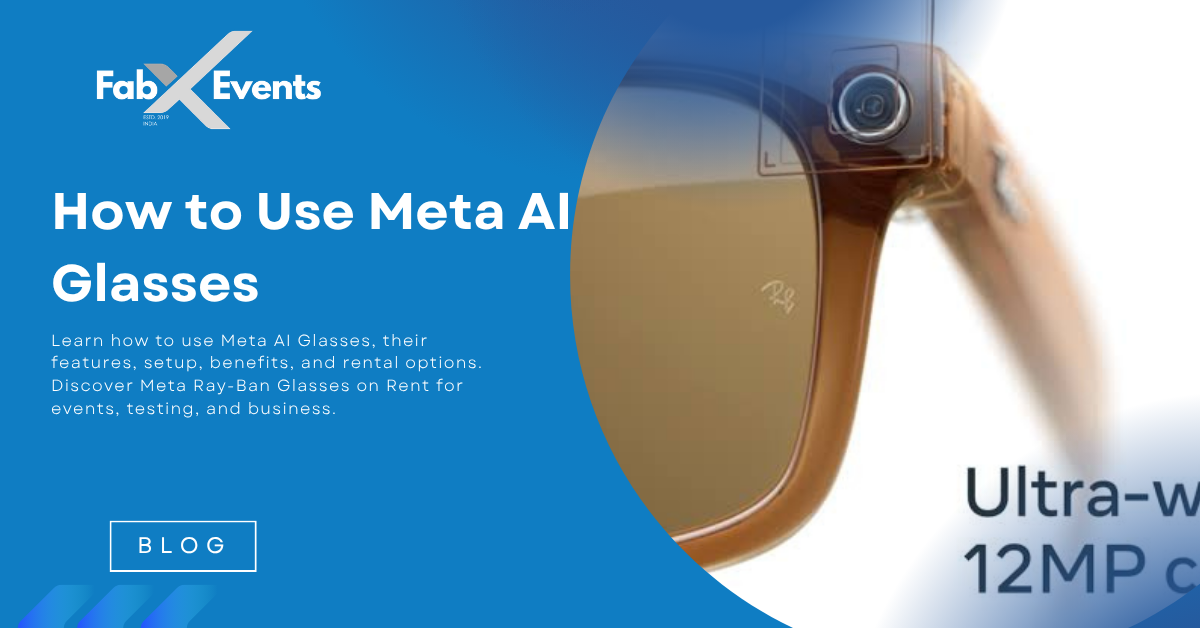
How to Use Meta AI Glasses
Learn how to use Meta AI Glasses, their features, setup, benefits, and rental options. Discover Meta Ray-Ban Glasses on Rent for events, testing, and business.
How to Use Meta AI Glasses: Complete Beginner's Guide to Features, Setup & Rental Options
Introduction
Artificial Intelligence is rapidly becoming part of our everyday lives, moving beyond smartphones and computers into wearable technology. One of the most exciting innovations in this space is the Meta AI Glasses, developed by Meta in collaboration with Ray-Ban and now expanding into additional eyewear styles such as Oakley. These smart glasses combine fashionable eyewear with advanced AI capabilities, allowing users to interact with technology naturally through voice, vision, and audio.
Unlike bulky virtual reality headsets that are designed for immersive gaming or training, Meta AI Ray-Ban Glasses are built for everyday use. They enable you to capture photos, record videos, listen to music, make calls, ask questions, translate languages, and even identify objects—all without constantly reaching for your smartphone.
As businesses, event organizers, developers, and technology enthusiasts explore wearable AI, there is also growing demand for Meta AI Glasses on Rent. Renting allows organizations to demonstrate the latest technology at exhibitions, conduct product testing, create engaging experiences at corporate events, or evaluate the device before purchasing.
In this comprehensive guide, you'll learn how to set up and use Meta Ray-Ban Glasses, explore their key features, understand real-world applications, discover rental benefits, and find out why these AI-powered smart glasses are shaping the future of wearable technology.
What Are Meta AI Glasses?
Meta AI Glasses are smart eyewear that integrates cameras, microphones, open-ear speakers, artificial intelligence, and wireless connectivity into a stylish pair of glasses.
Designed for all-day wear, these glasses allow users to perform many everyday tasks hands-free using simple voice commands.
Unlike VR headsets, which create a fully immersive digital environment, Meta AI Glasses are intended to enhance your real-world experience by providing instant access to AI while keeping you aware of your surroundings.
Key hardware features include:
- AI-powered Meta voice assistant
- Ultra-wide camera
- Open-ear speakers
- Multiple microphones
- Touch-sensitive controls
- Bluetooth and Wi-Fi connectivity
- Smartphone integration through the Meta View app
Together, these technologies create a seamless blend of wearable fashion and intelligent digital assistance.
How Do Meta AI Glasses Work?
The glasses pair with your smartphone using the Meta View app, which manages setup, media synchronization, software updates, and customization.
Once paired, users can activate the built-in AI assistant simply by saying:
"Hey Meta…"
The AI processes voice commands and, where supported, uses the built-in camera to understand what you're looking at, enabling context-aware responses.
For example, you can ask:
- "Hey Meta, what flower is this?"
- "Hey Meta, translate this sign."
- "Hey Meta, take a photo."
- "Hey Meta, what's the weather today?"
This hands-free interaction makes the glasses especially useful during travel, commuting, exercise, and professional work.
How to Set Up Meta AI Glasses
Setting up your Meta Ray-Ban Glasses is straightforward and only takes a few minutes.
Step 1: Charge the Glasses
Place the glasses inside the supplied charging case until they are fully charged. The charging case also protects the glasses when not in use.
Step 2: Install the Meta View App
Download the Meta View app on your Android or iPhone.
The app allows you to:
- Pair the glasses
- Manage settings
- Update firmware
- Transfer photos and videos
- Customize preferences
Step 3: Pair with Your Smartphone
Turn on Bluetooth, open the Meta View app, remove the glasses from the charging case, and follow the on-screen pairing instructions.
Step 4: Sign In to Your Meta Account
Log in using your Meta account to enable AI-powered features and cloud services.
Once connected, your glasses are ready to respond to voice commands.
How to Use Meta AI Glasses
Capture Photos Hands-Free
Simply say:
"Hey Meta, take a photo."
You can also use the physical capture button on the glasses.
Photos automatically sync to your smartphone through the Meta View app.
Record Videos
Capture life's moments by saying:
"Hey Meta, record a video."
The first-person perspective creates immersive content ideal for travel, events, tutorials, and social media.
Listen to Music
The built-in open-ear speakers let you enjoy music while staying aware of your surroundings.
Supported services may include:
- Spotify
- Amazon Music
- Apple Music (availability varies by region)
Make Hands-Free Calls
Built-in microphones and speakers enable clear phone calls without needing to hold your phone.
Example:
"Hey Meta, call Rahul."
Send Messages
Use compatible messaging apps to send texts with voice commands.
Example:
"Hey Meta, send Priya a message saying I'll arrive in 15 minutes."
Ask Questions
Meta AI functions like a conversational assistant.
Examples include:
- What's the capital of Japan?
- Explain blockchain technology.
- Summarize today's news.
- Suggest a healthy dinner recipe.
Identify Objects
One of the most innovative features is visual AI.
Point the camera at an object and ask:
- What flower is this?
- What breed of dog is this?
- Read this sign.
- What building am I looking at?
The AI analyzes the scene and provides contextual information where supported.
Live Language Translation
Meta AI Glasses can assist with translating conversations and written text between supported languages.
This feature is especially useful for:
- International travel
- Business meetings
- Reading foreign signs
- Ordering food abroad
Top Use Cases of Meta AI Glasses
Travel
Travelers can:
- Navigate using voice
- Translate conversations
- Identify landmarks
- Capture memories
- Receive local recommendations
Content Creation
Creators use Meta AI Ray-Ban Glasses for:
- POV videos
- Travel vlogs
- Hands-free tutorials
- Event coverage
- Behind-the-scenes footage
Professional Productivity
Professionals benefit from:
- Voice reminders
- Calendar access
- Hands-free calls
- Quick note-taking
- Email listening
Fitness & Outdoor Activities
Ideal for:
- Cycling
- Hiking
- Running
- Walking
- Outdoor exploration
Users can listen to music, record activities, and receive calls while staying aware of their surroundings.
Shopping Assistance
Meta AI can help identify products, compare items, and suggest recipes based on available groceries.
Education
Students can use the glasses to:
- Learn about surrounding objects
- Translate text
- Practice languages
- Explore scientific concepts
- Listen to educational content
Accessibility
For some users, AI glasses offer:
- Voice-first interaction
- Reading text aloud
- Object recognition
- Describing surroundings
- Reduced dependence on smartphone screens
Remote Collaboration
Professionals such as:
- Field engineers
- Technicians
- Architects
- Real estate consultants
- Inspectors
can share their first-person view with colleagues for remote guidance and support.
Benefits of Meta AI Glasses
Meta AI Glasses combine convenience, productivity, and innovation in one wearable device.
Key benefits include:
- Hands-free AI assistance
- Natural voice interaction
- Instant photo and video capture
- Open-ear audio for situational awareness
- Reduced screen time
- Stylish everyday design
- Context-aware AI through the camera
- Seamless smartphone integration
- Improved productivity on the move
Why Rent Meta AI Glasses Instead of Buying?
For many businesses and professionals, renting makes more sense than purchasing.
Choosing Meta AI Glasses on Rent provides several advantages:
Cost-effective access
Experience premium AI technology without the high upfront investment.
Ideal for Events
Perfect for:
- Corporate events
- Technology exhibitions
- Product launches
- Innovation showcases
- AI demonstrations
Test Before Purchase
Businesses and developers can evaluate the glasses before committing to ownership.
Software Development & Testing
Developers can rent the latest hardware to test AI applications and wearable experiences.
Technical Support
Professional rental providers often include setup assistance and technical support.
Who Should Rent Meta AI Glasses?
Renting is ideal for:
- Event management companies
- Corporate organizations
- AI developers
- Universities
- Technology startups
- Marketing agencies
- Exhibition organizers
- Media production teams
- Product demonstration companies
Limitations to Consider
Although highly capable, Meta AI Glasses have some practical limitations:
- A compatible smartphone is required for setup and many connected features.
- Battery life varies depending on AI usage, video recording, and audio playback.
- Some AI capabilities are available only in supported countries and languages.
- Camera and microphone use raises privacy considerations in certain environments.
- Many AI features rely on an active internet connection for cloud-based processing.
Understanding these limitations helps users set realistic expectations and get the best experience.
Future of Meta AI Glasses
Wearable AI is evolving rapidly.
Future generations are expected to include:
Improved On-Device AI
More processing will happen directly on the glasses, reducing dependence on cloud connectivity.
Augmented Reality Overlays
Future models may display contextual information directly within the user's field of view.
Better Battery Performance
Advances in hardware will allow longer usage times without compromising comfort.
Smarter Context Awareness
AI will better understand surroundings, user preferences, and daily routines to provide more proactive assistance.
Enterprise Integration
Businesses will increasingly use AI glasses for remote support, inspections, logistics, manufacturing, healthcare, and customer service.
Why Choose Meta AI Glasses on Rent?
If you need smart glasses for a short-term project, exhibition, product demo, training session, or software testing, Meta Glasses on Rent provide a practical and budget-friendly solution.
A professional rental provider typically offers:
- Latest Meta AI Ray-Ban Glasses
- Pre-configured devices
- Technical support
- Flexible rental durations
- Pan-India delivery (where available)
- Assistance with setup and troubleshooting
This allows businesses to focus on creating exceptional AI-powered experiences without worrying about hardware management.
Conclusion
Meta AI Glasses represent a significant step toward the future of wearable computing by combining intelligent voice assistance, hands-free photography, contextual AI, and everyday convenience in a stylish form factor. Whether you're a content creator capturing immersive moments, a traveler navigating unfamiliar destinations, a professional seeking greater productivity, or a business showcasing cutting-edge technology, these smart glasses offer a practical and innovative solution.
For organizations that need the technology for a limited period, Meta AI Glasses on Rent provide a cost-effective way to experience the latest wearable AI without the commitment of purchasing. They are ideal for exhibitions, corporate events, software development, training, product demonstrations, and innovation showcases.
As artificial intelligence, computer vision, and augmented reality continue to advance, Meta Ray-Ban Glasses are expected to become even more powerful, making wearable AI an integral part of how we communicate, work, learn, and interact with the world around us.
Blog FAQs
Quick answers from this article
Related posts
Keep exploring similar event content

360 Drone & VR Shoot in Delhi
Looking for a 360 Drone & VR Shoot in Delhi? Explore immersive 360 virtual tours, drone shoots, VR walkthroughs, and factory tours for businesses and real estate.
Read article
Virtual Manufacturing Site Visit with 360 VR Shoot
Discover how a Virtual Manufacturing Site Visit with a 360 VR Shoot helps factories showcase production, build trust, reduce travel costs, and boost global sales.
Read article
Why VR is Important for Real Estate Projects
Discover why VR is transforming real estate projects with immersive VR walkthroughs, virtual property tours, and VR shoots that boost sales and buyer engagement.
Read article